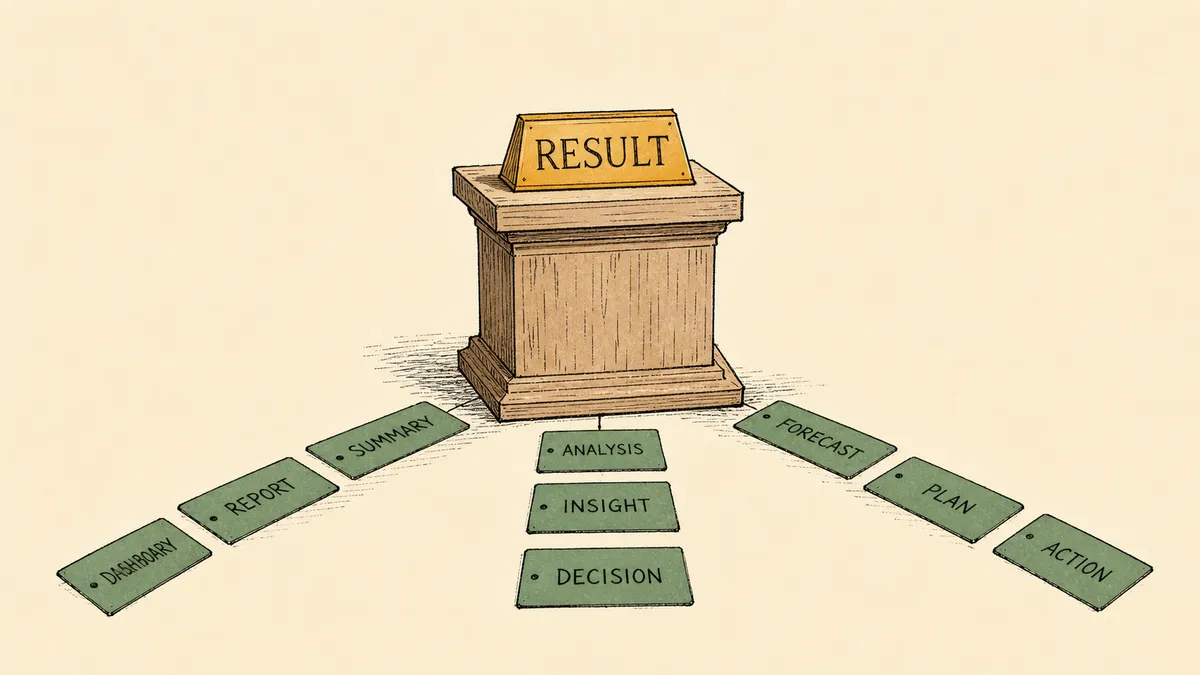
FlowRunner’s Return Result feature addresses a fundamental challenge in workflow automation: transforming disorganized output data into clear, labeled fields that teams can understand and reuse effectively.
The “Mystery Output” Problem
When automation workflows produce unstructured data, it creates downstream problems: confusion about which fields contain actual values, errors in connected systems, and debugging headaches that consume hours.
Core Functionality
Return Result operates as an organizational layer that lets you:
- Assign meaningful names to data fields instead of cryptic references
- Group related information into logical structures
- Display cleaned-up results in FlowRunner’s TestMonitor debugging tool
- Simplify integration with downstream automations
A Practical Example
Instead of presenting raw API responses with unclear hierarchy, Return Result lets you define outputs like “LeadEmail,” “CompanySize,” and “LeadScore” as clear, accessible fields. The contrast between messy nested output and structured results is immediate.
Strategic Value
The feature reflects FlowRunner’s broader philosophy: making automation development feel more like professional software engineering, which is what Orchestration as a Service requires at scale. Structured outputs reduce friction when sharing workflows with teammates or delivering client solutions.
Explore Return Result in your flows through the TestMonitor interface.